Installing Insert Header and Footer
Step 1 — Log In to Your Shopify Admin
Go to admin.shopify.com and sign in to your store. All app management happens from within your admin panel.
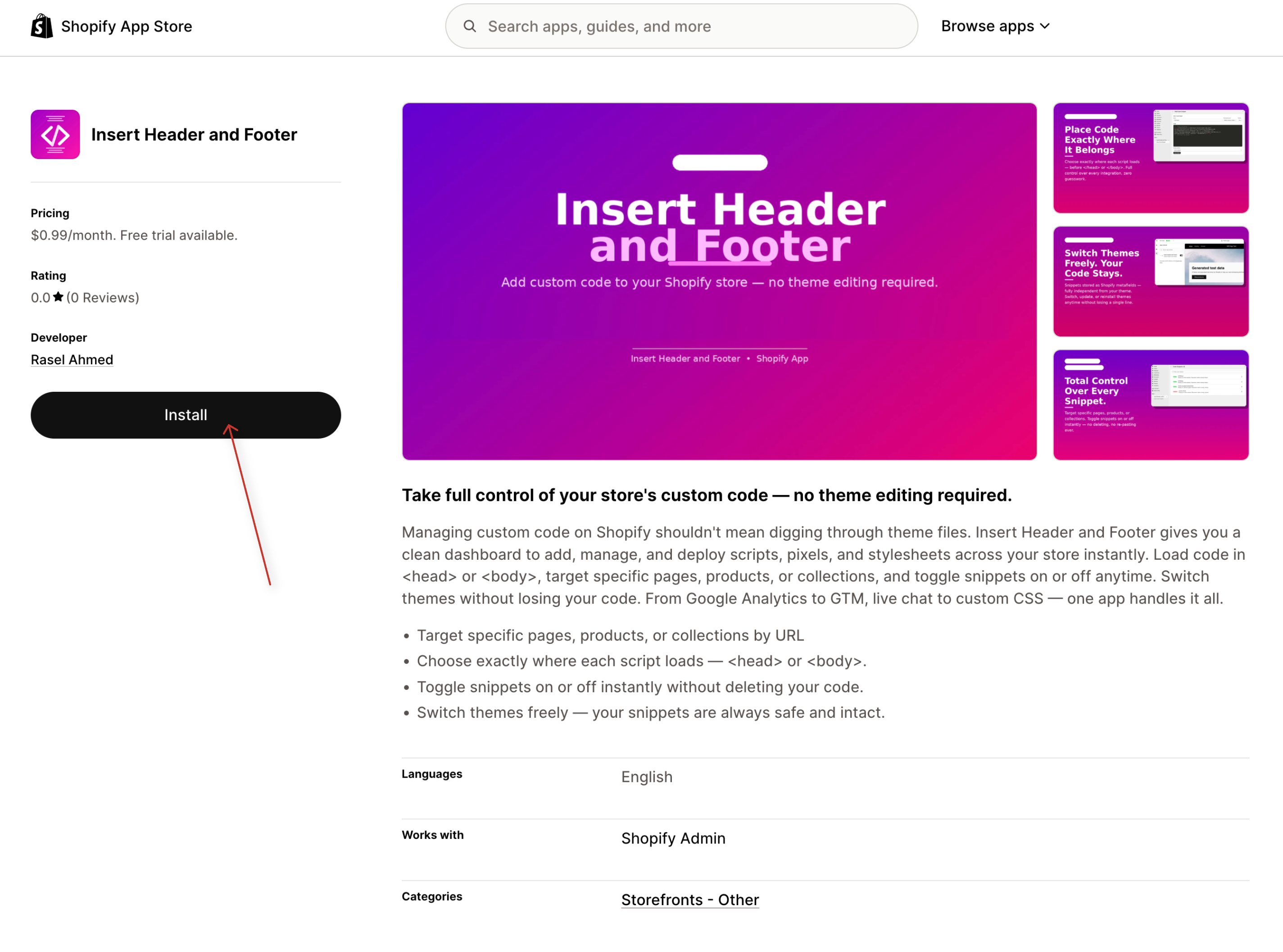
Step 2 — Click "Add App"
Once you've decided on our app, click the green Add app button on the listing page. If you're not already logged in to your Shopify account, you'll be prompted to do so at this point.
Step 3 — Review the Permissions
Shopify will redirect you to a permissions screen inside your admin. Our app just ask your online store domain name, email which will stored securely.
Step 4 — Confirm Installation
If you're comfortable with the permissions, click Install button. The app will be installed to your store in seconds.
Step 5 — Complete the App's Setup (If Required)
After installation, most apps will redirect you to their own setup or onboarding screen inside your Shopify admin. There you can create your snippets. Before using snippet, you need to enable theme app block.
How did you feel?
Didn't find what you're looking for?
Our support team is here to help. Open a ticket and we'll get back to you.
Open a support ticket